 English
 Русский
 Deutsch
 Français
 Nederlands
 Română
 Other languages
 Photo
Photo Documentation
Script's Guide
Uploading content - Admin upload panel
Please go to Admin Panel -> Catalog
There are 4 buttons on the top:
- Upload photo
- Upload video
- Upload audio
- Upload vector
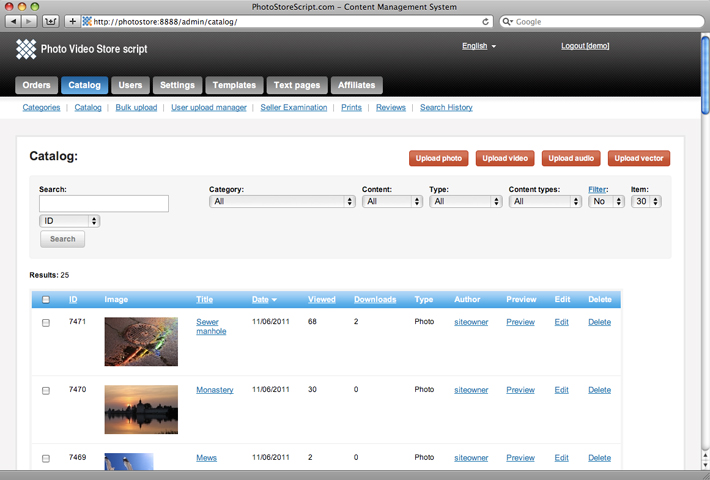
If you click on the 'Upload' button you will go to the admin upload form:
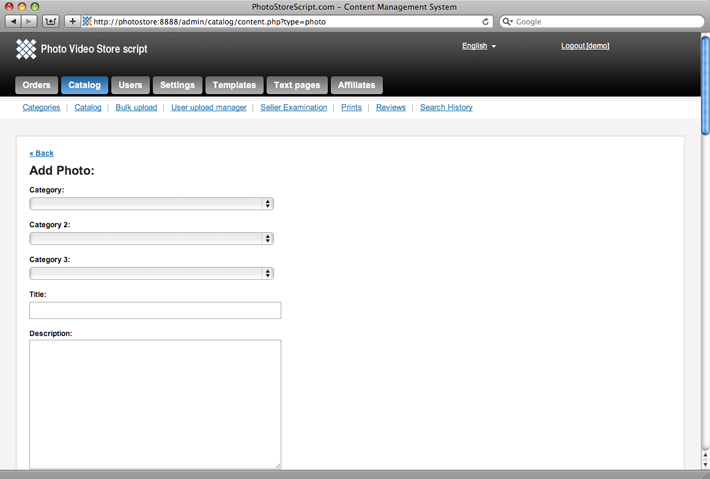
Here you may browse a file for sale, specify different sized copies, prints and upload it on the site.
Please read Configuration - Media content to figure out what means every field.