English
 Русский
 Deutsch
 Français
 Nederlands
 Română
 Other languages
 Photo
Photo Documentation
Script's Guide
Customization - Templates
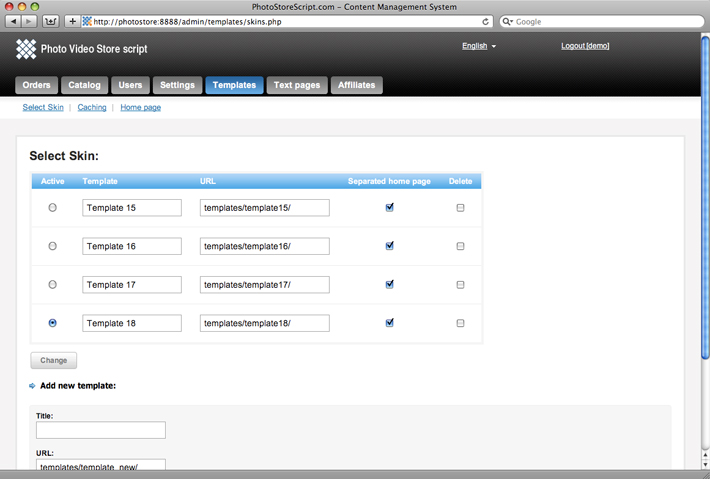
At the moment we have 4 professional templates. To change a current template you should go to Admin panel -> Templates -> Select Skin and select an appropriate one.
After you selected a skin you may modify the
template files here on ftp:
/templates/template[n]/